

AI Insights in Google Search Console Guide
SEO, Google Search Console, AI Insights
A Step-by-Step Guide to AI Insights in Google Search Console
Learn how to use AI-powered insights in Google Search Console to quickly understand your search performance, fix issues, and uncover new opportunities for organic growth. For a broader overview of monitoring performance, you may also like our complete guide to Google Search Console.
What Are AI Insights in Google Search Console?
Google Search Console (GSC) has always been a powerful source of search performance data. AI insights take that data a step further, using machine learning to surface patterns, anomalies, and opportunities you might otherwise miss. Instead of digging through endless tables, you get concise, plain-language observations such as “Your site is getting more clicks for X query” or “This page is underperforming compared to similar content.” For a deeper dive into interpreting performance metrics, see Understanding Google Search Console Metrics.
Think of AI insights as a smart assistant inside Google Search Console: it scans your data, highlights what is changing, and suggests where to focus your SEO efforts first. You still make the decisions, but you spend less time hunting for problems and more time fixing them. If you are just getting started with SEO, you might also find SEO Basics for Small Business Websites helpful.
Step 1: Accessing AI Insights in Google Search Console
To get started, log in to Google Search Console with the Google account that manages your website. From there:
Select the correct property (your domain or URL prefix) from the top-left dropdown.
Navigate to the Search results report under the “Performance” section.
Look for AI-generated insight cards or highlighted callouts that summarize notable changes, trends, or issues in your data.
Depending on your account and region, AI insights may appear as explanations of traffic changes, suggested content improvements, or alerts about unusual behavior. If you do not see them yet, keep using GSC regularly—Google often rolls out features gradually. You can complement these insights with the techniques in How to Audit Your Website for SEO.
Step 2: Interpreting AI Insights Without Getting Overwhelmed
AI insights are most useful when you understand what they are actually telling you. Here is how to read them effectively:
Look at the “why.” Many insights explain why clicks or impressions changed—for example, higher ranking for a specific query or seasonal interest. This helps you separate natural fluctuations from real problems.
Note the time frame. Insights are tied to specific dates. Always check whether the change is short-lived (like a campaign) or part of a longer trend.
Connect to pages and queries. Click through any insight card to see the exact pages, countries, or search terms involved. This is where you will find concrete actions to take.
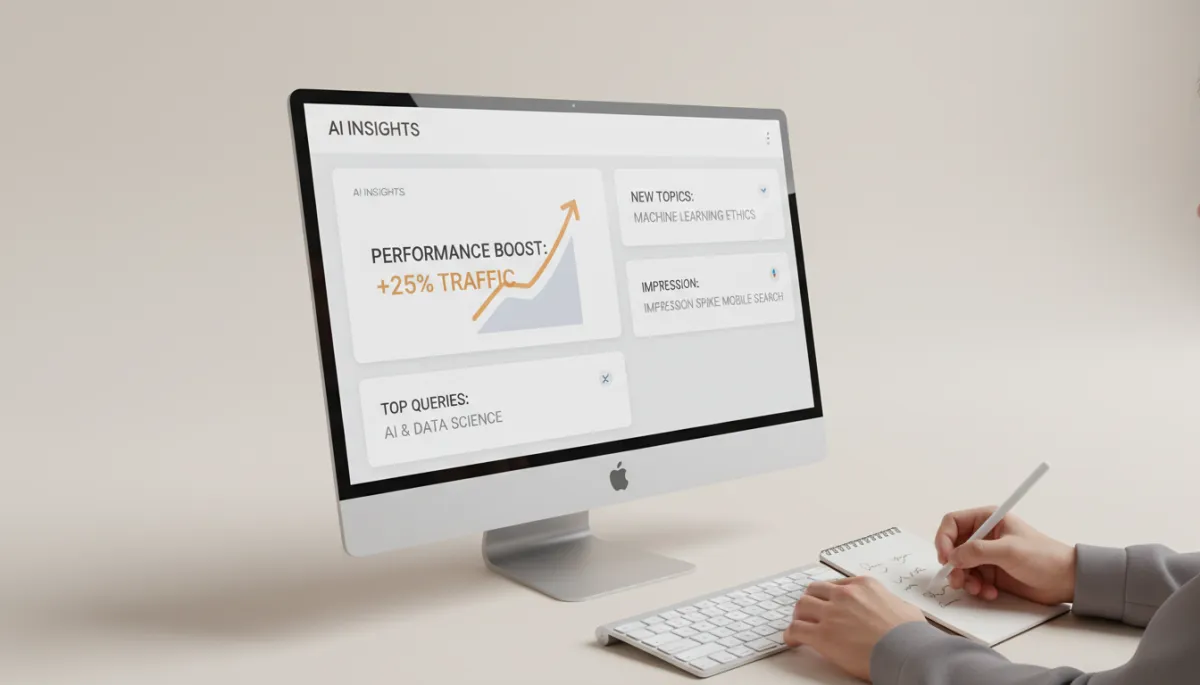
Clear AI summaries help you jump straight from data to SEO decisions.
Step 3: Turning AI Insights into Practical SEO Actions
AI insights are only valuable if they lead to meaningful action. Use the following workflow to translate each insight into a concrete task list:
Prioritize by impact. Focus first on insights connected to high-traffic pages, important keywords, or key business goals (such as lead generation or sales pages).
Define a specific action. For example, if AI shows falling click-through rate (CTR) on a top query, your action might be “rewrite title tag and meta description to better match search intent.”
Document the change. Keep a simple log of what you changed and when. This helps you understand later which AI-driven adjustments actually moved the needle.
💡 Pro Tip: Treat AI insights as a weekly checklist. Spend 15–30 minutes reviewing new observations, then assign 2–3 high-impact tasks to your content or SEO team. For examples of high-impact on-page changes, check out How to Improve Organic Click-Through Rate.
Step 4: Combining AI Insights with Your Own Expertise
While AI insights in Google Search Console are powerful, they do not replace human judgment. Use your knowledge of your audience, brand voice, and competition to interpret what the AI surfaces. For example, a surge in impressions for a new query may signal a chance to create a dedicated landing page, a detailed blog post, or a FAQ section—choices an algorithm cannot make for you. If you are planning content around these opportunities, see How to Build an SEO Content Calendar.
Over time, you will start to recognize patterns: which AI insights usually lead to meaningful improvements, and which are simply interesting but not urgent. This partnership—AI for discovery, you for strategy—is where Google Search Console becomes a true engine for sustainable organic growth. To explore more ways AI can support your marketing, read Using AI to Shape Your SEO Strategy.
Final Thoughts: Make AI Insights Part of Your SEO Routine
AI insights in Google Search Console give you a faster, clearer view of what is happening with your website in search. By logging in regularly, reviewing the suggested observations, and turning them into concrete actions, you can stay ahead of problems, spot new opportunities, and build a more focused SEO strategy—without drowning in spreadsheets. Pair this with the workflow from Our Weekly SEO Checklist to keep your efforts consistent.
Start simple: explore your AI insights this week, pick one or two suggestions, and implement them. As you repeat the process, you will turn Google Search Console from a passive reporting tool into an active partner in your search success. When you are ready to go further, explore Advanced Google Search Console Tips for power users.
Frequently Asked Questions About AI Insights in Google Search Console
📌 Key Takeaway: Use this FAQ as a quick reference when you are not sure how to interpret or act on what AI is showing you in Search Console.
Do I need any special setup to access AI insights?
No extra setup is required beyond a properly verified property in Google Search Console. As long as your site is verified and collecting data, AI insights will appear automatically when Google has enough information to surface meaningful patterns. If you are still in the setup phase, follow the steps in How to Set Up Google Search Console.
Why don’t I see AI insights in my account yet?
Feature availability can depend on your region, account type, and how much data your site has. New or low-traffic sites may not trigger many insights at first. Keep publishing content, ensure your tracking is correct, and check back regularly as Google often rolls features out gradually. In the meantime, you can still improve visibility using the tactics in How to Increase Organic Traffic.
Can I rely on AI insights alone for my SEO strategy?
AI insights are best used as a starting point, not a complete strategy. They highlight changes and opportunities, but you still need to apply your own expertise, understand your audience, and align actions with business goals. Think of AI as a smart assistant that helps you prioritize, not a replacement for human judgment. For a more complete framework, see Creating an SEO Strategy That Actually Works.
How often should I review AI insights?
For most websites, a weekly review works well. Set aside 15–30 minutes to scan new insights, identify 2–3 high-impact opportunities, and turn them into tasks. Larger or fast-moving sites may benefit from checking insights a few times per week, especially around campaigns or major content launches. To structure those reviews, you can borrow ideas from Our Monthly SEO Reporting Template.
What should I do if an AI insight points to a drop in clicks or impressions?
First, click into the insight to see which pages, queries, and dates are affected. Then:
Check whether rankings changed or if seasonality could explain the shift.
Review titles and meta descriptions to see if they still match search intent.
Compare the page to competitors in the search results and look for content gaps.
💡 Pro Tip: Treat negative insights as early-warning signals. Acting quickly on small drops can prevent bigger traffic losses later. If you suspect a broader issue, How to Diagnose SEO Traffic Drops walks through a step-by-step checklist.
Do AI insights affect my rankings directly?
No. AI insights are diagnostic, not a ranking factor. They do not change how Google ranks your site. Instead, they highlight what is already happening in search so you can make better optimization decisions that may improve rankings and traffic over time. To understand what does influence rankings, review Google Ranking Factors Explained.


